
Nano Banana Pro 2 Image Generator
Create product concepts, posters, and illustrations from text, or upload a photo to revise it. In Nano Banana Pro 2, you can compare image models, choose a canvas, and see the credit estimate before generating.
Models available in Nano Banana Pro 2
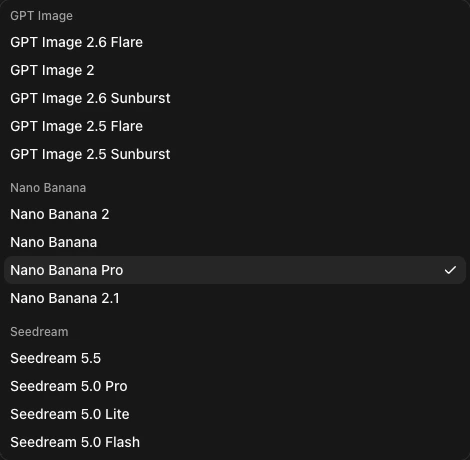
Switch models in the generator
Models in the Nano Banana Pro 2 Workspace
Pick a model to load it in Nano Banana Pro 2. Your prompt stays in the generator so you can reuse the same brief.
Go to Generator Available Now
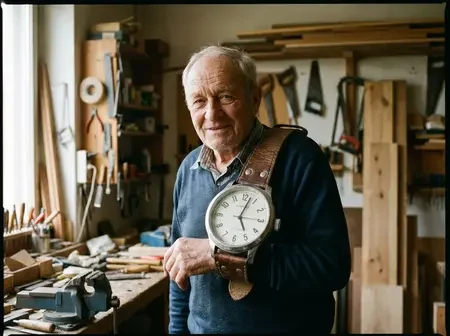
Nano Banana 2.1
Create or edit images at up to 4K with as many as ten references.
 Available Now
Nano Banana Pro
Highest quality Google Gemini 3 Pro image model with up to 4K resolution and multi-reference editing.
 Available Now
Nano Banana 2
Fast reasoning-guided Gemini 3.1 Flash image generation and text-to-image editing up to 4K.
 new model
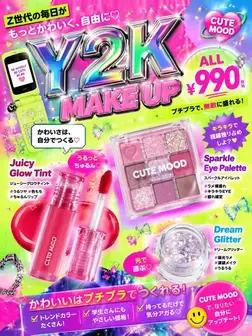
GPT Image 2.6
Try the Flare variant for image generation or reference edits in Nano Banana Pro 2.
 new model
Seedream 5.5
High-detail editorial and commercial image synthesis with multi-reference consistency.
Visual references
Image Ideas for Nano Banana Pro 2
Use this reference gallery to brief Nano Banana Pro 2. Pick a lighting direction, material, or palette and describe how you want it applied to your own subject.
What Is Nano Banana Pro 2?
Nano Banana Pro 2 is an independent browser workspace for AI image generation and photo editing. Its image picker includes Nano Banana 2, Nano Banana 2.1, and Nano Banana Pro. Choose the model shown in the picker when you compare results.
A useful first project in Nano Banana Pro 2 is a product image with two versions. Describe a clean studio layout, then upload a reference and ask for a new background while preserving the product shape and label.

Creation and editing
Nano Banana Pro 2 Image Editing and Generation
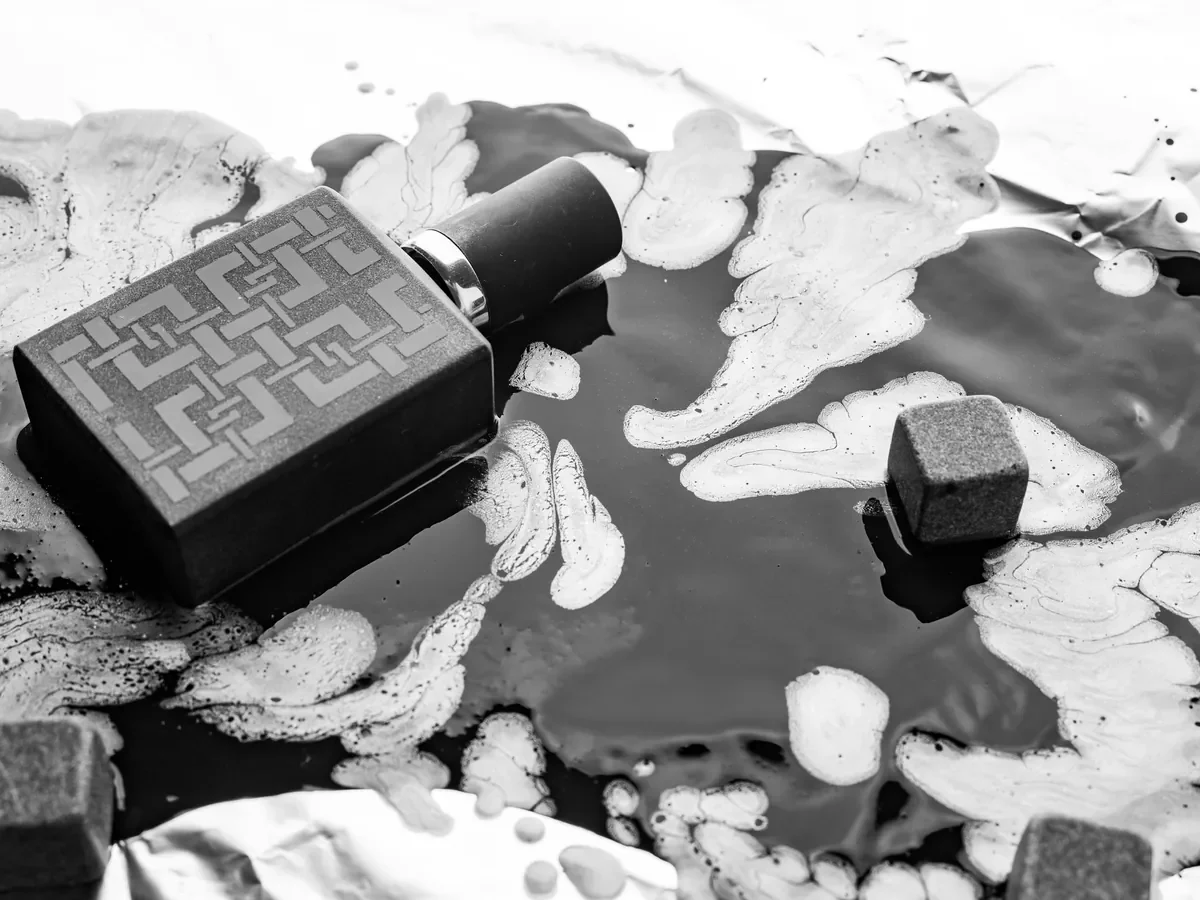
Use the Nano Banana Pro 2 text to image generator and Nano Banana Pro 2 photo editor to explore a layout from text, revise one part of a photo, or create several versions of a visual brief.
Three steps
How to Use Nano Banana Pro 2
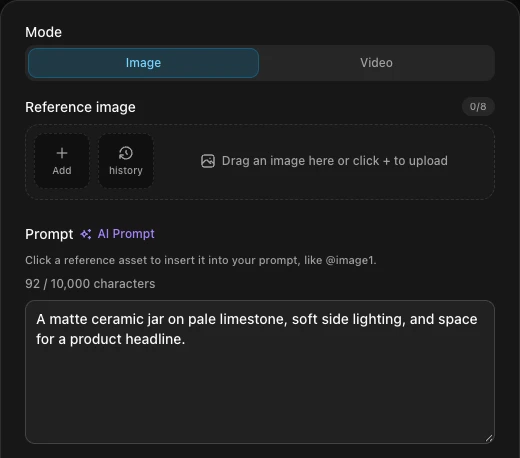
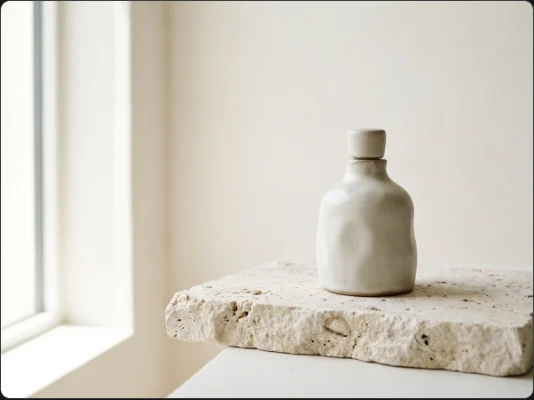
In Nano Banana Pro 2, specify a subject, composition, lighting, and any exact words to place in the image.
Workspace settings
Nano Banana Pro 2 4K and Signup Credits
Available resolutions and reference limits depend on the model you select in Nano Banana Pro 2.
Maximum resolution on supported models
Signup credits for eligible accounts
Reference slots & aspect ratios in one workspace
Generator controls
Nano Banana Pro 2 Prompts and Controls
Keep the same brief in Nano Banana Pro 2 when testing a new model or canvas. Change one setting at a time to compare the results.
Nano Banana Pro 2 vs Gemini Image Workflows
Use your preferred interface for the job. Nano Banana Pro 2 is a browser generator with explicit model and canvas settings. Gemini Apps lets you create and revise images within a conversation.
| Workflow | Nano Banana Pro 2 | Gemini Apps & Other Tools |
|---|---|---|
| Getting started | Open Nano Banana Pro 2 and choose a model in Image mode. | Open Images in Gemini Apps and send a prompt. |
| Revising an image | Upload a reference to Nano Banana Pro 2 and describe the change to make. | Open the generated image and describe the change in chat. |
| Model choice | Switch among the named Nano Banana models in the same workspace. | The image model and Pro redo options depend on the Gemini mode and plan. |
| Usage limits | Nano Banana Pro 2 shows the task estimate in site credits. | Gemini Apps applies Google account and plan limits. |
| Nano Banana Pro 2 vs Nano Banana Pro & Nano Banana 2.1 | Nano Banana Pro 2 (Nano Banana 2 Pro AI) lets you switch between Nano Banana Pro, Nano Banana 2, and Nano Banana 2.1 (Nano Banana Pro 2.1 / Nano Banana 2.1 Pro) in one picker. | Comparing Nano Banana Pro 2 vs Nano Banana Pro or Nano Banana 2 Pro vs Nano Banana 2.1 in external apps requires separate tabs or API scripts. |
| Nano Banana Pro 2 vs Midjourney | Browser-based Nano Banana Pro 2 photo editor and text-to-image workspace with multi-reference uploads, exact text rendering, and pay-as-you-go credits. | Midjourney focuses on artistic stylization via Discord/web subscriptions without native Gemini Nano Banana model switching. |
| Nano Banana Pro 2 vs FLUX | Hosted Gemini Nano Banana Pro 2, GPT Image 2.6, and Seedream 5.5 models with instant 4K output and zero GPU setup. | FLUX workflows often require self-hosting, ComfyUI pipelines, or third-party inference endpoints. |
Prompt examples
Nano Banana Pro 2 & Nano Banana 2 Pro Prompts for Real Projects
Models, credits, and billing
Nano Banana Pro 2 FAQ
How do I use Nano Banana Pro 2 in Gemini?
If you want to know how to use Nano Banana Pro 2 in Gemini Apps (often searched as Gemini Nano Banana Pro 2, Gemini Nano Banana 2 Pro, Google Nano Banana Pro 2, or Nano Banana Pro 2 Google AI), start by drafting an image in the Images tab. On an eligible Google AI plan, open the image menu and look for the Pro redo option. Google’s help page describes the available controls and quota rules. Gemini Apps image guide
Can I try Nano Banana Pro 2 free online?
Yes — if you are looking for Nano Banana Pro 2 AI free, Nano Banana 2 Pro free, or Nano Banana 2 Pro free use online, eligible new accounts can claim 120 signup credits. Pick an image model in the Nano Banana 2 Pro AI image generator and check the task estimate before generating. Signup credits expire after 30 days.
What is Nano Banana Pro 2 vs Nano Banana 2?
Nano Banana 2 is Google’s Gemini 3.1 Flash Image model. Nano Banana Pro 2 (also searched as Nano Banana 2 Pro AI) is this independent workspace, where you can compare Nano Banana Pro 2 vs Nano Banana 2, Nano Banana Pro 2 vs Nano Banana Pro, and Nano Banana 2 Pro vs Nano Banana 2.1 (Nano Banana Pro 2.1 / Nano Banana 2.1 Pro) side by side.
How does Nano Banana Pro 2 API pricing work?
Google publishes Gemini API and Nano Banana 2 Pro API pricing by model ID and output size. Look up Gemini 3 Pro Image, Gemini 3.1 Flash Image, or Gemini Nano Banana 2.1 in Google’s pricing table. Nano Banana Pro 2 website credits apply to this workspace and are separate from Google API billing. Gemini API pricing
How much does Nano Banana Pro 2 cost?
Nano Banana Pro 2 lists its subscriptions and one-time credit packs in USD. The generator shows the credits for the selected model and settings before you submit.
How does Nano Banana Pro 2 compare with Midjourney or FLUX?
Use the same product brief or reference edit when comparing Nano Banana Pro 2 with Midjourney or a FLUX workflow. Check spelling, subject consistency, edit control, and cost for the specific model version you test.
How do I generate a 4K image in Nano Banana Pro 2?
Select Nano Banana 2, Nano Banana 2.1, or Nano Banana Pro in the Nano Banana Pro 2 generator and choose 4K. The pixel dimensions depend on the aspect ratio.
What happens to photos I upload to Nano Banana Pro 2?
Nano Banana Pro 2 processes uploaded references with the providers needed to run your request. Upload only images you have permission to use, and read the Privacy Policy for details about storage and processing.
How do I cancel a Nano Banana Pro 2 subscription?
To cancel Nano Banana Pro 2, open your billing settings and manage your subscription in the payment portal to stop the next renewal.
How do I request a Nano Banana Pro 2 refund?
For a Nano Banana Pro 2 purchase, review the refund section in the Terms of Service and email your account address and order reference to support@nanobananapro-2.com.
How creators use Nano Banana Pro 2 in production
Nano Banana Pro 2 Pricing in USD
Choose a one-time pack for a single project or a subscription for regular work. Check the Nano Banana Pro 2 generator for the credit cost of the model and resolution you need.
Secure payments
Checkout is processed by Stripe. Available payment methods are shown on the payment page for your location.
Korean payments

Global payments








Payment details are entered on Stripe’s hosted checkout page.
Payment inquiries: support@nanobananapro-2.com
Create Your First Image With Nano Banana Pro 2
Give Nano Banana Pro 2 one clear brief or one reference photo. Review the first result, then revise the detail that matters most.
AI Directories for Nano Banana Pro 2